
In today’s fast-paced work environment, keeping accurate records of meetings is crucial for productivity and follow-up actions. Among the many tools available, Otter.ai remains a dependable choice for capturing meeting conversations efficiently. Whether you are a founder, marketer, or builder looking to streamline communication and optimize your workflow, Otter.ai continues to deliver features that align with practical needs.
Robust Features That Meet Diverse Meeting Needs
Otter.ai stands out due to its comprehensive set of features designed to enhance meeting engagement and documentation. It offers real-time transcription, meaning you can see conversations as they happen without the need to take manual notes. This ensures nothing important is missed, especially during fast discussions or brainstorming sessions.
Key functional highlights include:
- Speaker identification: Otter differentiates between participants, making it easier to follow who said what during the meeting.
- Live summaries: Automatic generation of concise highlights that save time when reviewing long discussions.
- Integration capabilities: Seamlessly connects with popular platforms like Zoom, Microsoft Teams, and Google Meet, enabling transcription without disrupting your workflow.
- Multi-language support: Useful in multicultural teams to transcribe meetings held in several languages.
Enhanced Collaboration Through Smart Meeting Transcripts
Beyond just capturing audio, Otter.ai helps teams collaborate better during and after meetings. The AI Chat feature allows participants to interact with transcripts in real time, ask questions, and highlight follow-up items all within the Otter interface.
You can also enrich transcripts by attaching meeting slides and screen shares directly into the notes. This contextualizes conversations and makes review sessions much more effective, especially for distributed teams or remote workers.
These collaboration elements help marketers or founders who need quick access to insights and action points without combing through hours of recordings.
Flexible Pricing Plans for Different Users
Otter.ai offers several pricing tiers tailored to different usage levels and organizational requirements:
- Basic (Free): Includes up to 300 transcription minutes monthly, ideal for individuals or casual users testing the platform.
- Pro ($16.99/user/month): Increases transcription capacity to 1,200 minutes and unlocks advanced workflow automations perfect for entrepreneurs and frequent users.
- Business ($19.99/user/month): Grants unlimited meeting transcriptions and in-app recordings, suited for teams needing consistent, high-volume usage.
- Enterprise: Custom pricing with unlimited custom workflows and dedicated support, best for large organizations or those needing specialized integrations and scale.
This tiered structure provides flexibility for marketers and builders whether they have occasional meeting transcription needs or require comprehensive team collaboration tools.
Seamless Mobile and Desktop Experiences
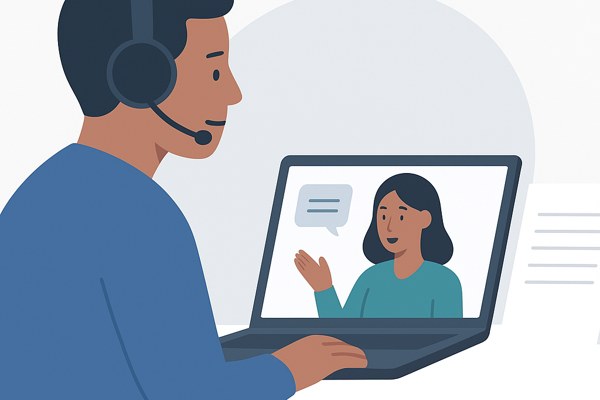
With mobile apps available for both iOS and Android devices, you can capture and review meetings on the go. This mobility ensures that founders and marketers never miss key info, even when traveling or away from their main workstations.
The desktop experience is equally robust, with easy access to editing, searching, and exporting transcripts in formats like text, PDF, or SRT subtitles. This versatility supports different use cases, such as building marketing materials, generating meeting reports, or enhancing content accessibility.
Actionable Checklist for Maximizing Otter.ai’s Value
- Link Otter.ai with your primary meeting platform to enable automatic transcription for all calls.
- Use speaker identification to assign clear attributions and improve transcript clarity.
- Leverage live summaries to quickly get the gist of meeting discussions without reading the full transcript.
- Integrate slides and screen shares into your meeting notes to add context to important points.
- Review transcriptions on the mobile app right after meetings to capture any missed follow-up tasks.
- Choose a subscription plan that matches your communication volume and team size.
In Conclusion: A Practical Solution for Accurate Meeting Records
Otter.ai remains a reliable and practical solution for anyone looking to improve meeting productivity through detailed transcription and collaboration. Its range of features from real-time transcription to smart integrations supports various professional roles, helping founders, marketers, and builders capture conversations effortlessly and act on them quickly.
For those interested in exploring transcription tools further, you can visit our AI Tools category on InspireTechToday for in-depth guides and reviews to help you make informed choices. To start using Otter.ai’s capabilities, visit their official site at otter.ai and explore the pricing and features that best fit your needs.