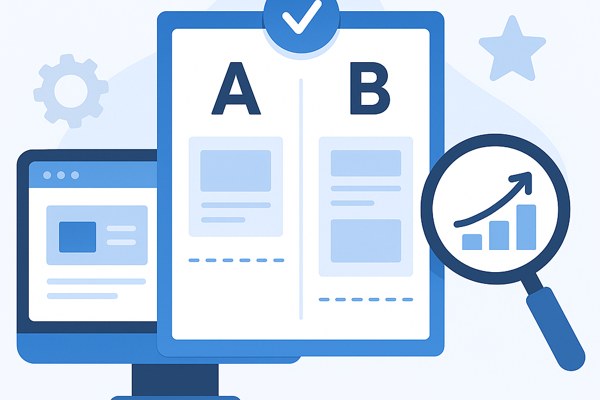
Optimizing your website for conversions and user engagement is crucial for driving growth. However, not everyone has access to a developer to implement complex A/B tests that compare different versions of your site. The good news is that today’s A/B testing tools empower non-developers, marketers, and founders to run meaningful experiments easily, improving your marketing results and user experience without writing code.
Why A/B Testing Matters for Growth
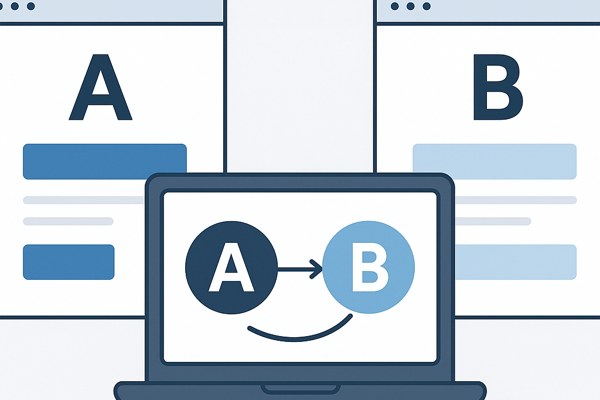
A/B testing helps you make data-driven decisions by comparing two or more variations of a webpage to see which performs better. It can boost conversions, reduce bounce rates, and highlight what resonates most with your audience. Instead of guessing, you test actual changes such as headlines, button colors, images, or layouts.
For marketers and founders, the biggest challenge often lies in running tests quickly and without relying on technical resources. The right tools are designed to handle everything from traffic allocation to statistical analysis behind the scenes, making experimentation accessible and actionable.
How to Choose the Right Tool Without a Developer
Before diving into specific tools, here are key features to look for:
- Visual Editor: Allows you to modify elements on your site with simple point-and-click actions.
- Template Support: Ready-made layouts for landing pages make tests faster to launch.
- Analytics Integration: Connects easily to Google Analytics or other platforms to measure impact.
- Personalization Options: Beyond A/B testing, some tools let you deliver tailored experiences.
- Ease of Use: Minimal learning curve and no coding required.
5 Best Tools for A/B Testing Your Website Without a Developer
AB Tasty
AB Tasty offers a robust experimentation platform tailored for marketing and product teams to run A/B tests and personalize customer experiences without heavy coding. Its visual editor is intuitive, enabling changes from headlines to design elements on your live website. The platform also includes powerful targeting and segmentation features, ensuring your tests reach the right audience group efficiently.
Unbounce
Unbounce specializes in landing page creation combined with straightforward A/B testing capabilities. It provides a drag-and-drop builder and a library of customizable templates to get tests running quickly. Marketers appreciate how easily Unbounce integrates with popular marketing stacks to track campaign performance and conversion metrics in depth.
Fibr AI
Fibr AI leverages automation to continuously run A/B tests and personalize websites for better conversions without manual intervention. This AI-driven platform monitors traffic, automatically adjusts variants, and identifies winning tests in real time. It’s ideal for non-technical users who want an optimization tool that adapts to visitor behavior constantly.
Varify.io
Varify.io focuses on visual website testing and optimization, letting users create and manage experiments without coding skills. Its no-code editor enables easy tweaking of page content and layout, while real-time analytics provide actionable insights. Businesses looking for a blend of simplicity and control find Varify.io especially useful for conversion rate improvement.
Google Optimize
Google Optimize is a popular, free tool integrated within the Google Marketing Platform. While simple to use, it offers powerful A/B, multivariate, and redirect testing options. It seamlessly connects to Google Analytics, enabling detailed measurement of experiment impact on site goals. For startups and small businesses, this tool is a cost-effective way to begin experimentation.
Tips for Running Successful A/B Tests
- Define Clear Goals: Decide what you want to improve, such as click-through rates or form submissions.
- Test One Variable at a Time: Focus your experiment on a single change to accurately measure its effect.
- Set a Minimum Sample Size: Ensure enough visitors participate to reach statistically significant results.
- Run Tests for an Appropriate Duration: Avoid stopping too early; let your test gather sufficient data over multiple days.
- Analyze Results Carefully: Use the analytics dashboards to understand user behavior beyond just conversion numbers.
Quick Checklist Before Launching Your A/B Test
- Have you defined a primary metric to measure success?
- Is your test hypothesis clear and based on data or user feedback?
- Did you preview the variations on different devices?
- Have you segmented your audience if necessary for targeted testing?
- Are tracking and analytics correctly configured?
- Is the sample size and test duration planned to ensure reliable results?
Moving Forward: Make Experimentation Part of Your Growth Strategy
Implementing A/B testing without a developer is more achievable than ever. With platforms like AB Tasty and Google Optimize, you can start experimenting swiftly and confidently. These tests not only help refine your website but also provide insights to better understand your audience’s preferences. To get started on deepening your growth tactics, explore our Growth category for more guides and tips.
For additional resources and tutorials, check out Google Optimize documentation, which offers step-by-step instructions on setting up your first test.
By integrating regular A/B testing into your marketing workflow, you can boost conversions, improve user satisfaction, and maintain a competitive edge—all without relying on developer time.